

Three steps, one of them yours.
Connect the phone to your LAN
PoE or adapter - the only physical step. Works for one phone or a carton of forty.
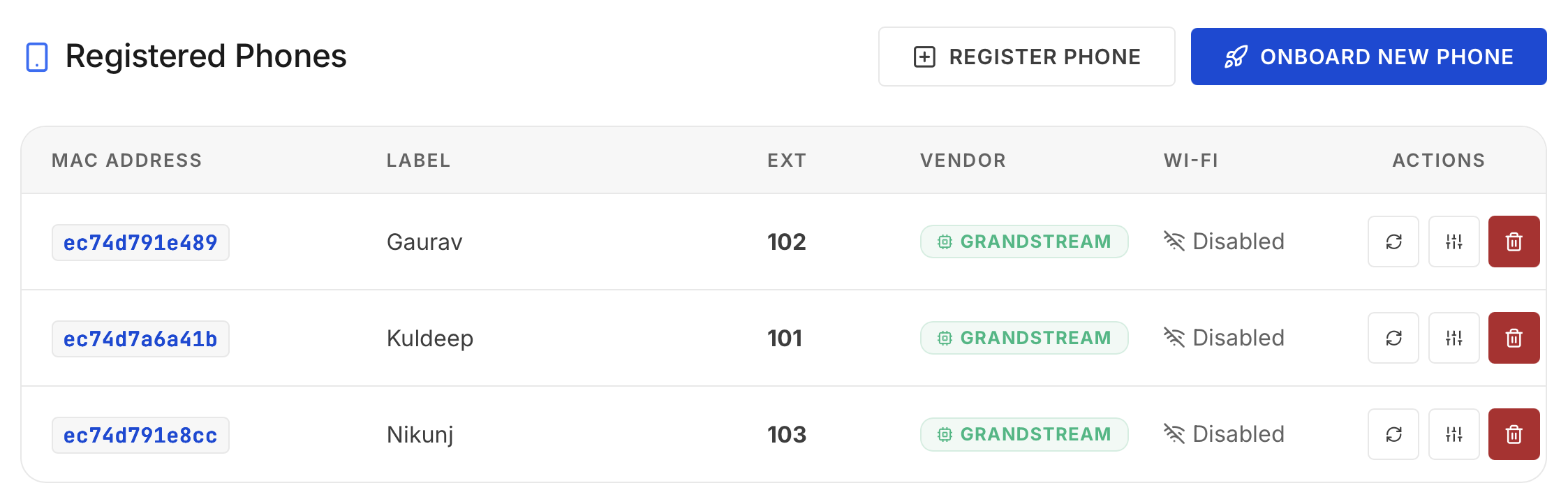
Wivox recognises the MAC
The Grandstream OUI is detected, the phone appears in the dashboard, and you (or a rule) assign the extension.
Config is pushed automatically
SIP credentials, extension label, caller ID, codecs and firmware policy land on the phone. It reboots ready to ring.
Config no one has to type.
Everything a hand-configured deployment gets wrong at least once, pushed identically to every phone.
| SIP account | Registrar, credentials, transport - generated per device |
| Extension | Number and display label on the phone screen |
| Caller ID | CNAM name pushed to the fleet, consistent everywhere |
| Codecs & DTMF | Matched to the server so audio and IVR keys just work |
| Speed dial & hotline | Off-hook auto-dial for lifts, gates, reception phones |
| Firmware | Version pinned by policy; upgrades roll out from the dashboard |
Swap A Dead Phone In Minutes
Plug in the replacement, map it to the same extension - identity, caller ID and rules follow the extension, not the hardware.
Forty Phones, One Afternoon
Bulk-assign extensions by MAC list. The fleet provisions in parallel while you label desks.
Know What Runs Where
The dashboard lists every device, its firmware and its registration state - no spreadsheet of MAC addresses.
We'll provision a phone while you watch.
Factory-reset Grandstream, live server, stopwatch running. Book the demo and pick the extension number.