

Both Legs, One File
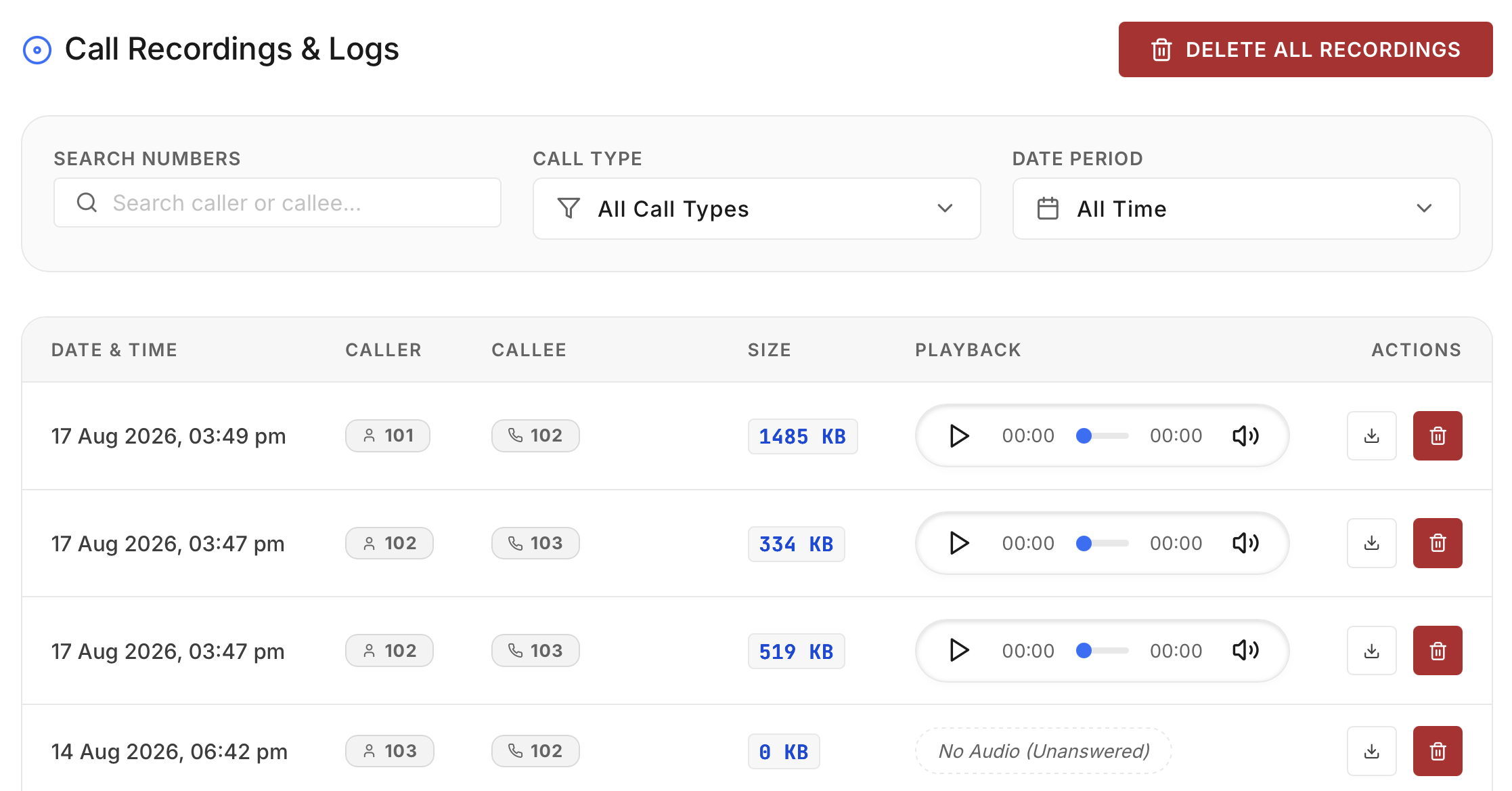
MixMonitor mixes caller and agent audio into a single WAV per call, named by time, extensions and trunk.
HTML5 Playback
Click play in the dashboard. Scrub, replay, download - recordings stream straight off your server.
Storage You Control
Files live on your disk under your retention policy. Delete on your schedule, not a vendor's.
Findable Later
Filter by extension, queue, date or trunk. The 4-month-old dispute call surfaces in seconds.
RECORDINGS · TODAY
Legality FAQ
Record calls the right way.
Plain-language guidance, not legal advice – confirm specifics with your counsel.
Businesses routinely record their own calls for quality and dispute purposes. Best practice –
and a requirement in several sectors – is informing callers, e.g. an IVR line: “this call
may be recorded.”
India generally follows one-party-aware practice for a business recording its own line, but sector
rules (banking, insurance, telemarketing) add duties. Put the notice in your IVR prompt and you cover
the common cases.
Only dashboard users you've given access. Recordings never transit or rest on Wivox company servers
– we couldn't listen if we wanted to.
Until you delete them or your retention rule does. Sizing guide: roughly 1 GB per 1,000 minutes of
WAV.
Play back a real recording in the demo.
We'll make a call, hang up, and replay it from the dashboard - 30 seconds end to end.