
Exotel vs MyOperator vs Self-Hosted PBX: Complete Guide
Compare Exotel, MyOperator, and self-hosted PBX systems. Find the right fit for your business calling needs, data privacy, and software budget today.
Exotel vs MyOperator vs Self-Hosted PBX: Guide
Businesses in India need to balance easy cloud-based calling with the control of running their own phone system.
Exotel and MyOperator run entirely on vendor servers. Exotel suits developer teams needing custom APIs, while MyOperator offers plug-and-play call tracking for sales teams. Both store your customer calls on third-party cloud infrastructure.
A self-hosted PBX gives you full data ownership and fixed costs. It removes monthly user fees and routes calls through local mobile SIM cards to cut calling expenses.
Let’s understand Exotel vs MyOperator vs Self-Hosted PBX in more detail.
Cloud Telephony vs Self-Hosted PBX
Cloud telephony routes calls through vendor servers, so you avoid hardware setup but pay recurring fees and store data externally.
A self-hosted PBXruns on your own hardware, giving you full data privacy and zero monthly user fees.
Here is a quick comparison between all three.
| Feature | Exotel | MyOperator | Self-Hosted PBX (Wivox) |
|---|---|---|---|
| Deployment | Vendor cloud | Vendor cloud | Private office server or VPS |
| Cost Model | Annual rental + call credits | Monthly or annual seat fee | One-time license (zero seat fees) |
| Call Routing | Cloud virtual numbers | Cloud virtual numbers | Local SIM cards via GSM gateways |
| Data Control | Kept on vendor servers | Kept on vendor servers | Stored on your own drives |
| Best For | Developer APIs and dialers | Plug-and-play sales IVR | High call volume and total privacy |
Exotel Review
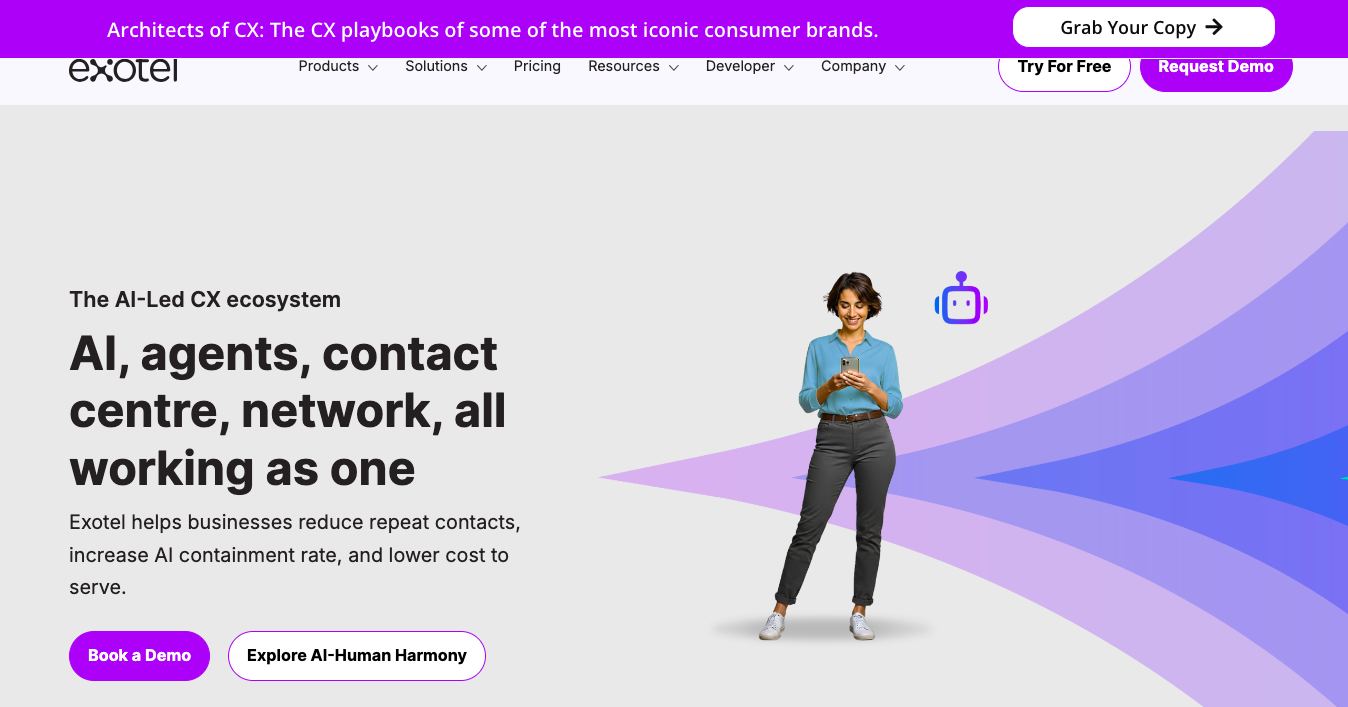
Exotel is a cloud communications platform built for enterprises and fast-growing tech companies. It focuses on programmable voice tools, letting businesses connect telephony directly to custom apps, websites, and CRM systems.
Best for Enterprise APIs and High Call Volume
Exotel is a good choice for companies with developers and large calling operations.
If your business needs automated customer callbacks, number masking for delivery apps, or heavy outbound dialing, Exotel provides the cloud capacity to handle tens of thousands of calls every day.
Calling Features and Developer Tools
- REST APIs allow developers to build custom call flows, trigger outbound calls from web triggers, and pull real-time call logs.
- A drag-and-drop tool to design multi-level IVR menus, set up business hours, and route incoming calls without heavy code.
- Connects customers and field agents over virtual numbers so neither side sees private phone numbers.
- Supports voice calling, SMS updates, and WhatsApp business messaging from a single cloud system.
Pricing Structure and Usage Credits
Exotel uses a prepaid credit model mixed with annual software rentals:
- Fixed Rental: You pay an annual platform fee to keep your account, virtual phone numbers, and agent seats active.
- Usage Credits: Call minutes, SMS, and WhatsApp messages deduct from a prepaid balance.
- Variable Bills: Inbound and outbound calls have per-minute charges. Teams with high call volumes can quickly spend more on usage.
MyOperator Review
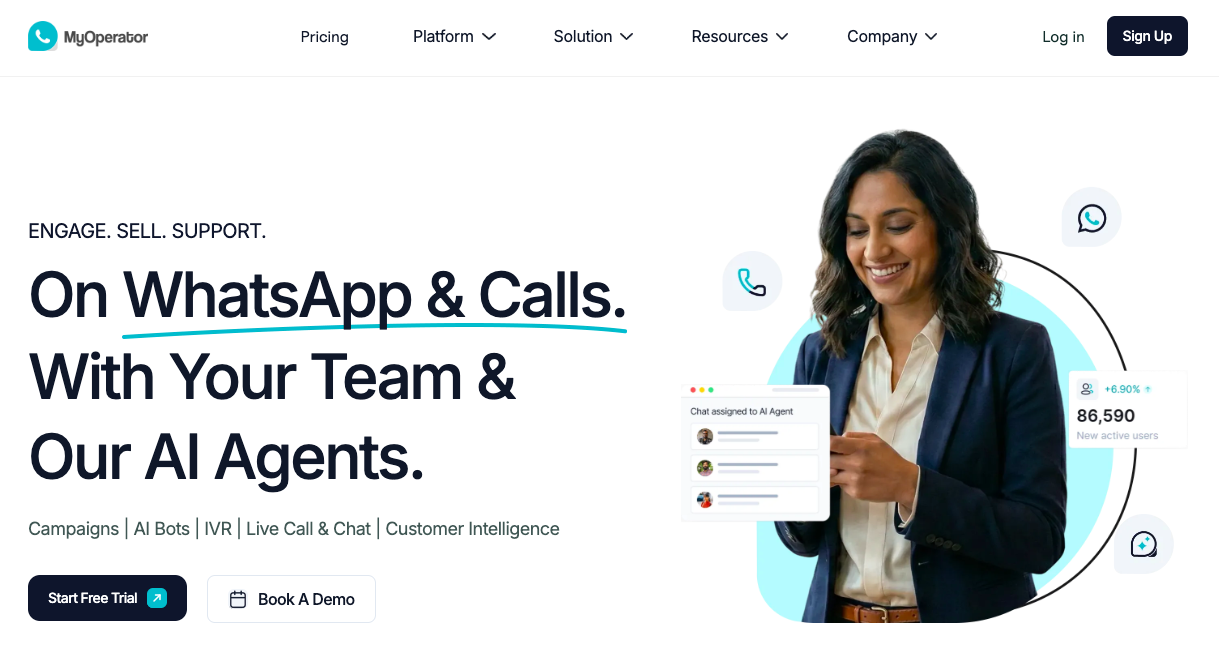
MyOperator is a cloud phone system made for businesses that want a fast, simple setup without hiring IT engineers.
It provides ready-to-use business numbers, call routing, and tracking tools directly through a clean web dashboard and mobile apps.
Best for Quick Setup and Small Sales Teams
MyOperator is the most practical choice for small sales teams, local real estate offices, and startups that need to manage incoming sales leads quickly. You do not need to write code or configure complex hardware. You pick a virtual number, add your team members, and start answering calls right away.
Virtual Numbers, IVR, and Mobile Tracking
- Gives your company a single toll-free or central mobile number to receive customer calls.
- A pre-recorded greeting routes callers to specific departments or sales reps based on keypad presses.
- Sales agents can make and receive calls on their personal smartphones while the company dashboard logs call durations and recordings.
- Syncs caller details with CRM tools and sends automatic WhatsApp message confirmations after a call ends.
Seat Plans and User Subscriptions
- User Bundles: Plans typically start with bundles of 10 users, requiring you to pay an upfront annual software fee.
- Tiered Feature Locks: Advanced tools like smart routing, deep CRM integrations, and auto-dialers are locked behind higher-priced plans.
- Ongoing Seat Fees: Because pricing scales directly with your agent count, your monthly expenses jump whenever you hire more team members.
Self-Hosted PBX Review
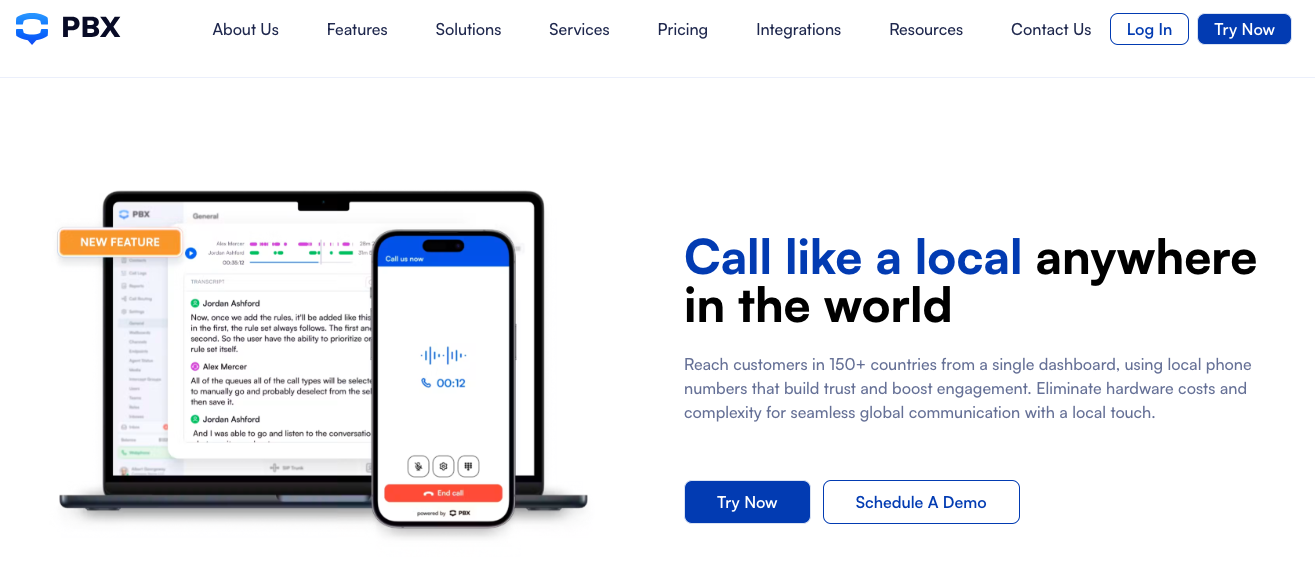
A self-hosted PBX runs directly on your own office computer or private server, giving you full control over calls, hardware, and data without recurring vendor bills.
Best for Local Privacy and Fixed Costs
A self-hosted PBX suits offices, clinics, and call centers that handle high call volumes and require strict privacy. Every recording and call log stays safely on your local drives, and software costs remain fixed as your team expands.
Hardware Desk Phones and GSM Gateway Routing
- Connect a GSM gateway with local mobile SIM cards to run your business lines. This lets you use flat-rate unlimited mobile calling plans instead of paying cloud vendors per-minute calling rates.
- Plug physical IP desk phones into your office network, and the PBX configures extensions.
- Employees can make and answer office calls from web browsers or mobile apps on iOS and Android.
- Get call queues, multi-level IVR menus, ring groups, call recording, and call forwarding without paying extra for add-on packs.
One-Time Licensing with Wivox
Wivox solves the biggest problems of older PBX tools by removing complex command-line setup and ditching endless monthly software subscriptions:
- Perpetual Server License: You pay a single one-time price per server. No monthly or annual per-seat charges.
- Simple Browser Dashboard: Manage users, set up IVR menus, and listen to call recordings through a clean web interface without technical terminal commands.
- Predictable Long-Term Budget: When your team grows from 10 to 50 employees, your software bill does not increase.
A self-hosted system gives you total control over call privacy, desk phone hardware, and long-term costs without ongoing per-agent fees.
How to Choose a Business Phone System
Picking the right phone setup depends on your team size, technical skills, calling patterns, and data requirements.
Use these four factors to evaluate your options.
Total Long-Term Cost
Cloud phone services look affordable at first glance because setup requires minimal upfront spending. However, ongoing seat rentals and per-minute calling charges make cloud telephony more expensive over time. As your agent headcount grows, your monthly bill increases every year.
A self-hosted PBX requires an initial investment in server hardware or a mini-PC, but you pay a one-time software license. Routing calls through local SIM cards using GSM gateways gives you fixed monthly phone bills, making a self-hosted PBX substantially cheaper for high-volume calling over three to five years.
Call Recording Privacy
Cloud providers store all audio files, call logs, and customer contact details on remote vendor servers. If your business operates in healthcare, legal services, finance, or real estate, saving customer voice recordings on a third-party cloud creates data compliance risks.
A self-hosted PBX keeps all voice data inside your own office network. Recordings and logs save directly to your private hard drives, giving you absolute control over client confidentiality.
Desk Phone Support
If your team works from a physical office, call center, or reception desk, physical IP phones offer superior audio stability compared to mobile apps. Cloud platforms offer basic web dialers or mobile apps, but connecting physical hardware requires complex setups and expensive plan upgrades.
A self-hosted PBX supports physical VoIP desk phones right out of the box. Platforms like Wivox include auto-provisioning for popular desk phone brands like Grandstream, Yealink, and Fanvil, letting you deploy office hardware with minimal manual entry.
Daily Maintenance Needs
Cloud telephony removes server management tasks. The vendor handles server uptime, telecom connections, and software patches so you never have to worry about background maintenance.
A self-hosted PBX gives you complete control, but it requires basic oversight of your office network, server power, and SIM gateway balances. Modern platforms like Wivox eliminate complex command-line maintenance through clean web dashboards, but your team still controls the local hardware environment.
The Right Phone System for You
For zero recurring seat fees, local call privacy, and desk phones powered by cheap SIM cards, a self-hosted PBX like Wivox is the best choice.
Exotel suits developers needing custom APIs, while MyOperator fits small teams wanting fast setup without hardware.
Ready to cut monthly phone bills and keep your call recordings private?Schedule a Wivox walkthroughto see our self-hosted IP PBX in action on your own server.
What Is an IP PBX and How Does It Work